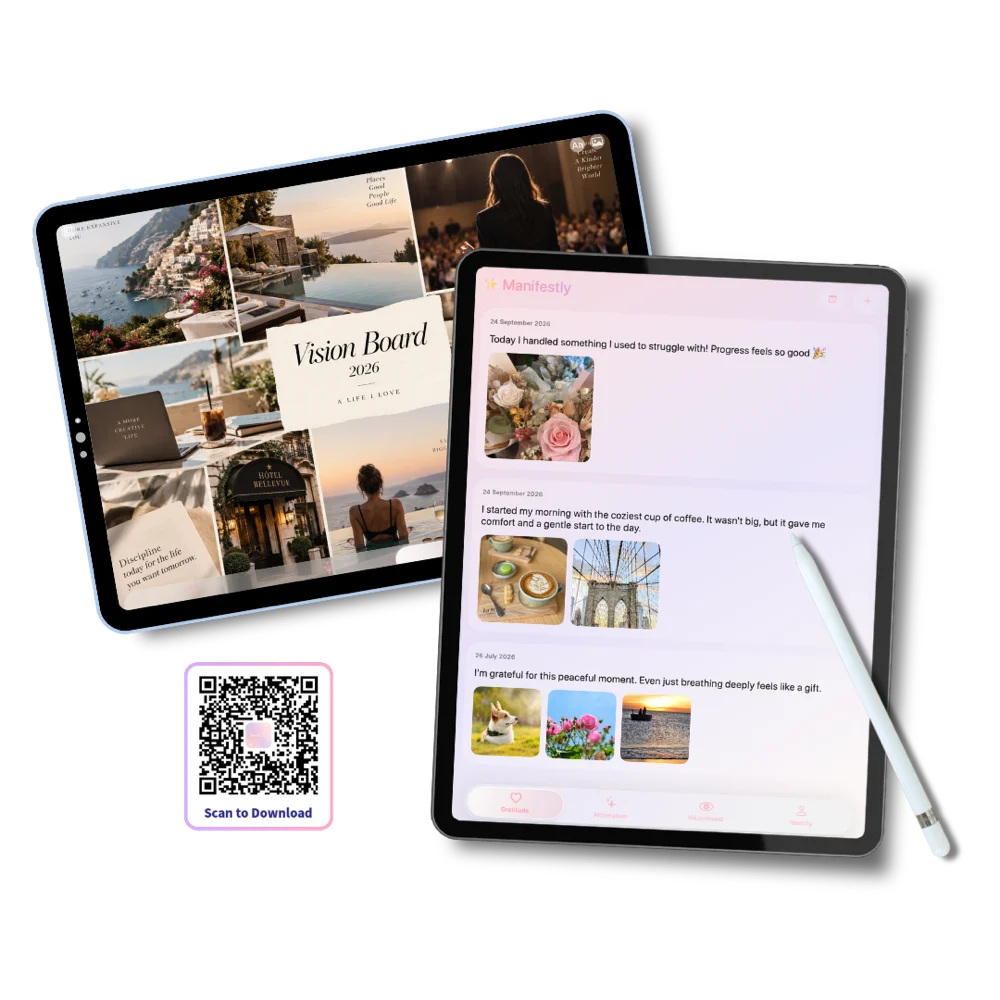
The same four practices
Nothing is missing and nothing is bolted on. Gratitude, affirmations, vision board and identity — one tab each, exactly as on iPhone.
Nothing is missing and nothing is bolted on. Gratitude, affirmations, vision board and identity — one tab each, exactly as on iPhone.
A journal entry becomes a page rather than a box, and your vision board fills the screen instead of asking to be pinched.
For most people the iPad is the evening device, not the inbox device. That makes it the easiest place to keep a practice that wants a quiet ten minutes.
Gratitude, affirmations, vision board and identity — one tab each, and this is what every one of them looks like on iPad.
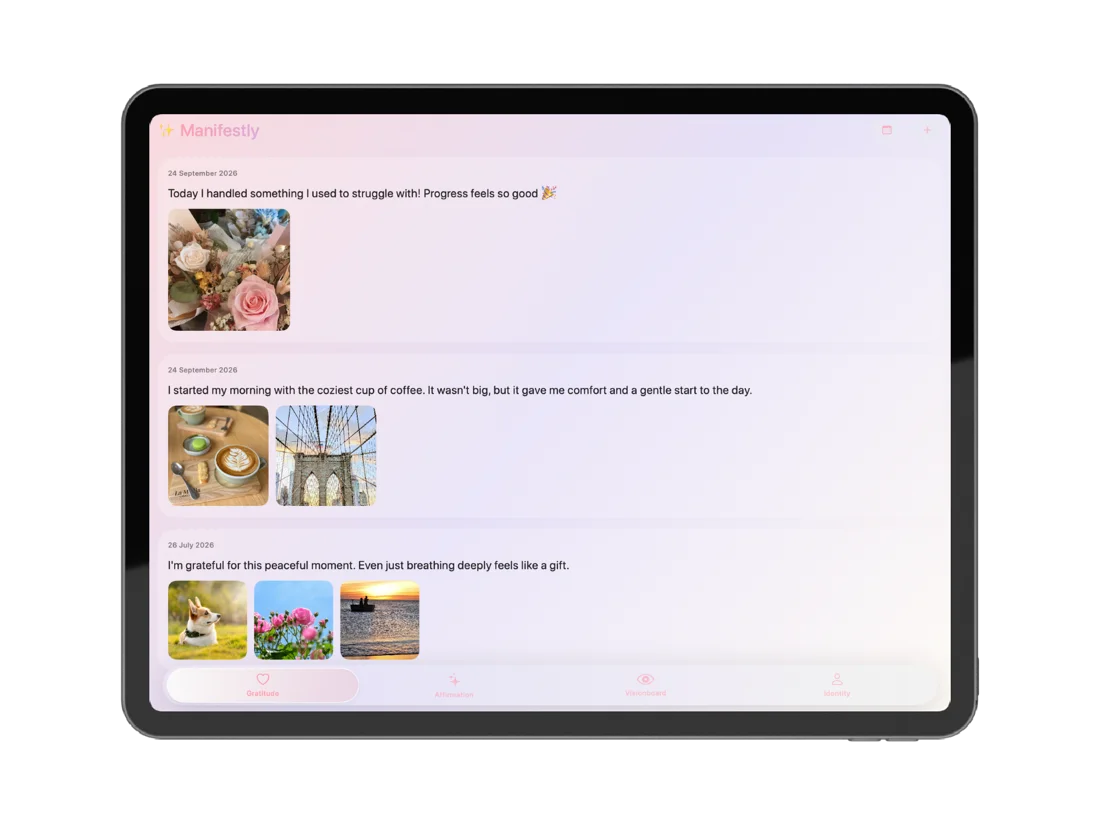
On iPad the journal stops being a text box and becomes a page. There is space for a longer reflection, several photos side by side, and the whole entry visible without scrolling.
Type it, or dictate it and let speech-to-text write it down while you talk. Photos come straight from your library or the camera, so an entry can be two lines and a picture of the thing itself.
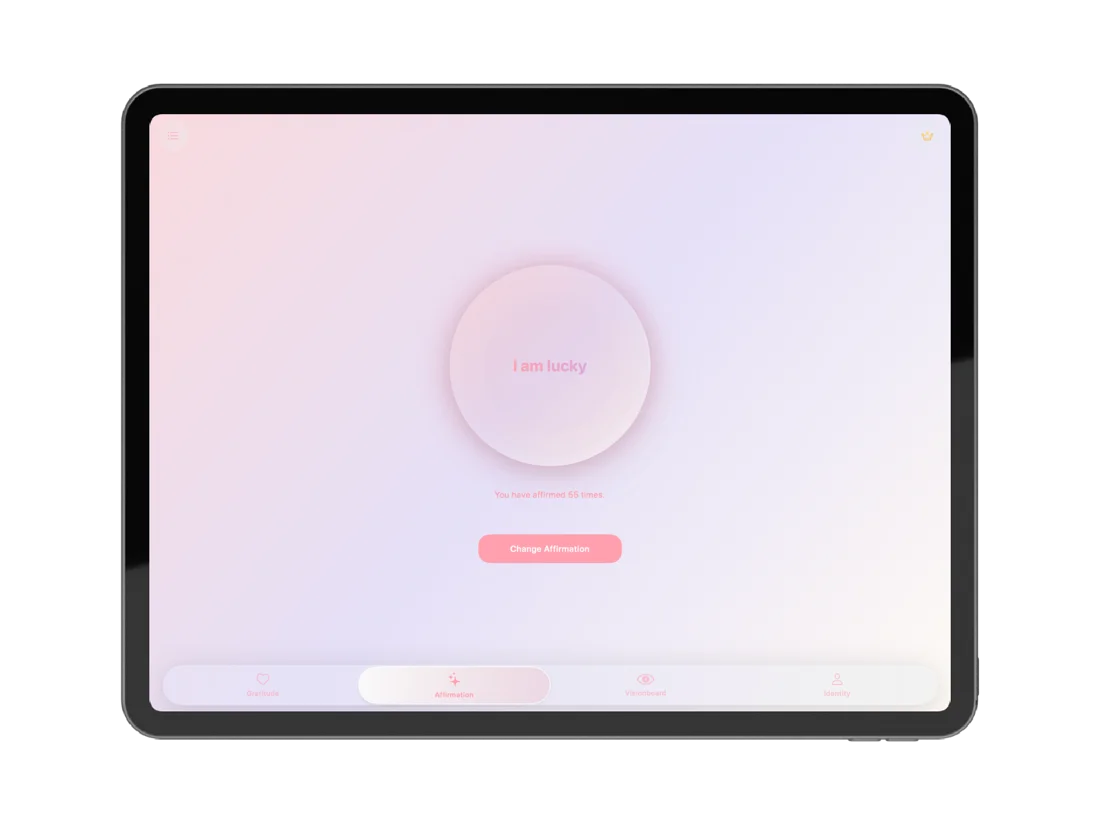
The affirmation circle fills an iPad beautifully. Left on a desk or a kitchen counter, it becomes an ambient reminder rather than something you have to go and open.
Tap the circle to count a repetition — affirm a vision, a dream, or simply the sentence today needs — and change the words from a library of 1,000+ across eight life areas whenever they stop landing.
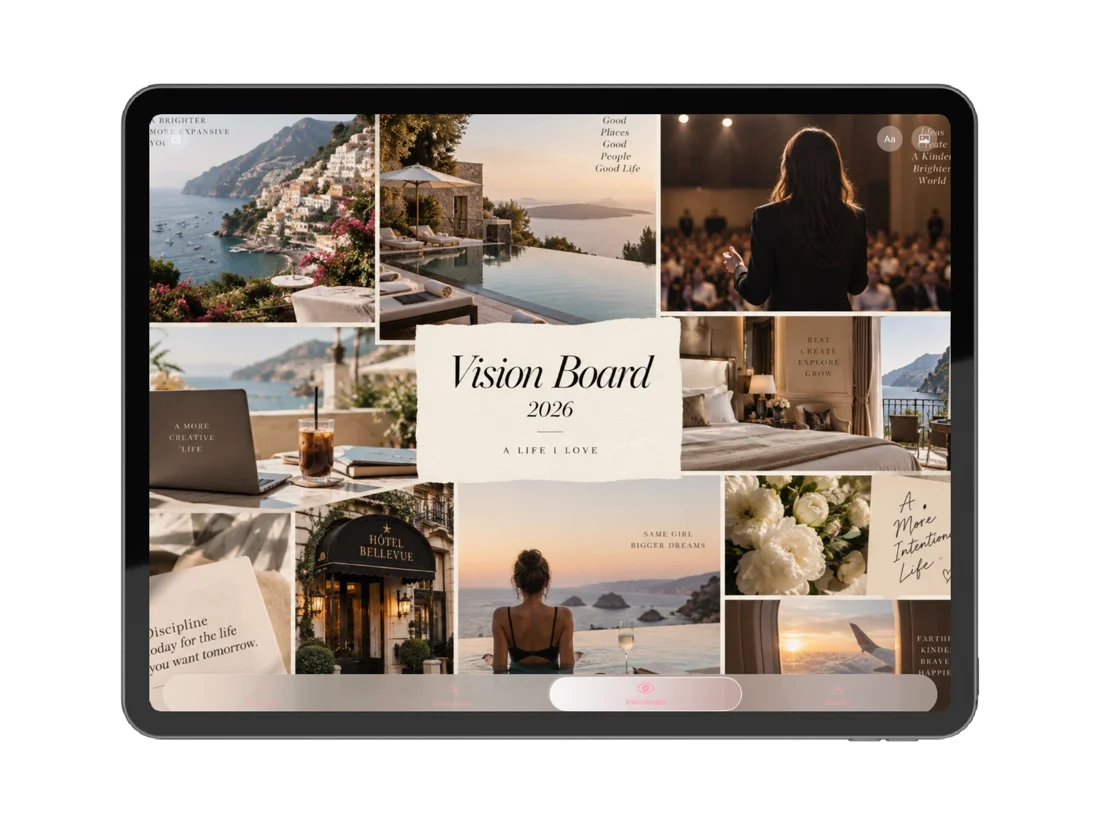
A vision board rewards looking, not fiddling. iPad is the largest screen most people can hold, which makes it the easiest place to actually spend a minute with the board rather than glance at it.
Upload the board you already made and open it full screen. Propped on a desk or a bedside table it becomes something you return to daily, which is the whole point of having made it.
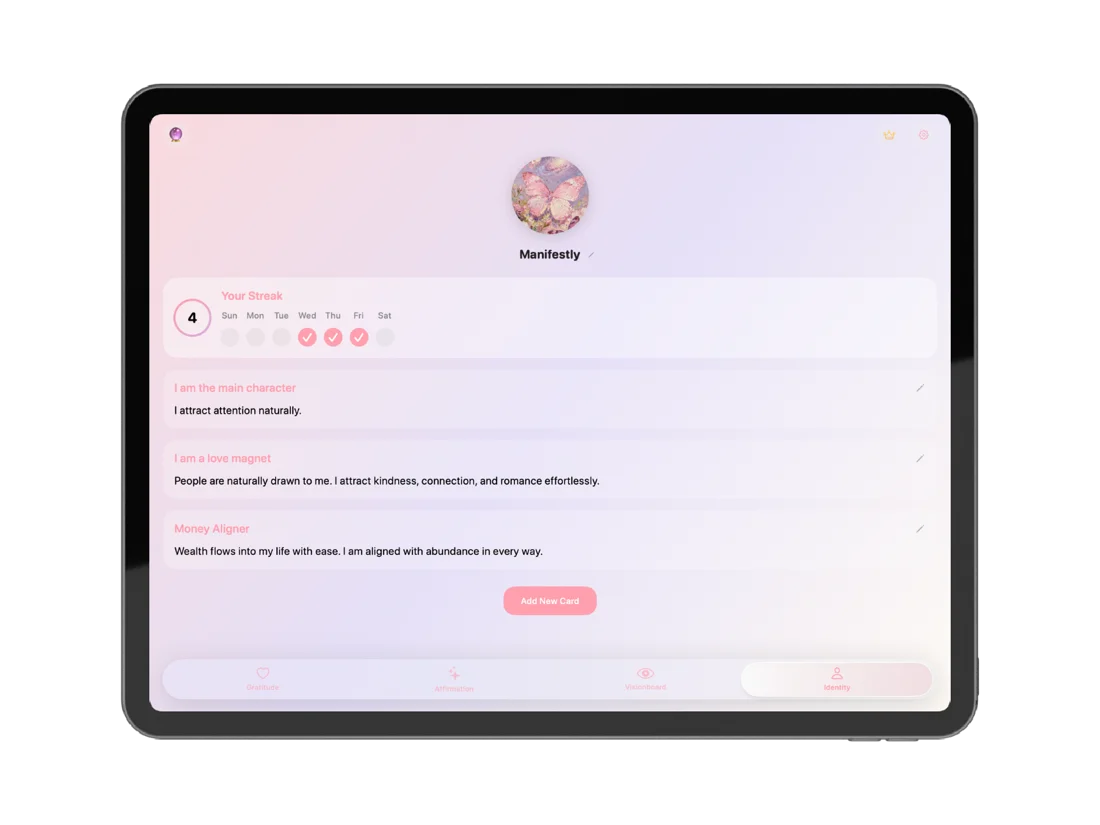
On a larger screen your identity cards stop being a list you scroll and become something you take in together — which is when you notice whether they describe one coherent person or four different ones.
Write your own titles and descriptions, edit a card in place, and add a new one when the current set stops fitting.
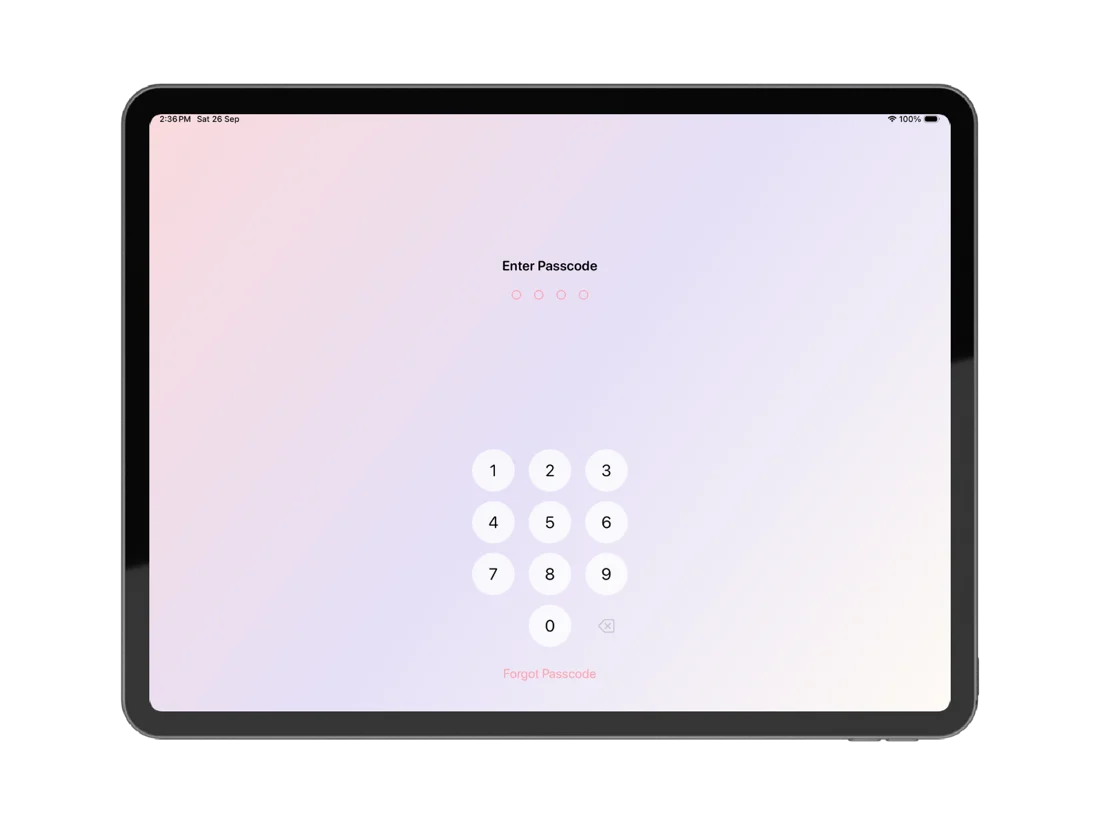
An iPad is the most shared device most people own — it gets handed to a partner, a flatmate, a child who wants to watch something. That makes a lock on your journal more useful here than anywhere else.
Manifestly uses whatever your iPad supports: Touch ID in the top button on most models, Face ID on iPad Pro. And in every case there is a four-digit passcode behind it, which is all you need if you would rather not use biometrics at all.
Same app, same four practices, same content. What a bigger screen buys you is the ability to take it all in at once — which matters more than it sounds.
Large enough to rest your attention on for a minute, instead of squinting at a thumbnail. This is the screen people actually sit with.
See the whole entry as you write it, and read back several weeks in one scroll. That is when a journal starts being useful rather than just kept.
Propped on a stand or a kitchen counter, the affirmation screen becomes something you pass rather than something you have to remember to open.
On a phone they are a list you scroll. Here they sit together, which is when you notice whether they describe one coherent person or four different ones.
One free universal download covers iPhone and iPad, so this is not a second app or a second purchase — just more room for the one you already have.
No. Manifestly is a universal app, so one free download covers both iPhone and iPad with no second purchase and no separate account.
No — it is the same app. All four practices work the same way; there is simply more screen for each of them.
iPadOS 17 or later.
With iCloud sync turned on, yes — syncing happens inside your own iCloud account rather than through our servers. Without it, each device keeps its own content locally.
Yes. Open the board and leave the app open on a stand or propped on a desk; it stays there as an ambient reminder for as long as the screen is on.
This is where the lock matters most, since an iPad is the device most likely to be handed to someone else. Manifestly can be locked behind Touch ID, Face ID on iPad Pro, or a four-digit passcode.
Free on the App Store, universal across iPhone and iPad. The same practice, however you open it.